
How cash back browser extensions work and track your data

Advertisements
Cash back browser extensions work by routing your retail purchases through specialized affiliate marketing links to earn commission rebates, which they share with you as monetary rewards. This setup helps regular online shoppers trim costs on everyday retail orders, but the underlying trade-off involves granting add-ons constant visibility into your web browsing habits and shopping cart data.
While earning two to ten percent back on eligible purchases sounds straightforward, these software tools require technical permissions that extend far beyond a single checkout button. Understanding the mechanics of affiliate tracking, data collection practices, and browser permission architectures allows you to use these tools effectively without exposing more personal information than necessary.
The affiliate marketing engine behind cash back tools
Browser extensions that provide automated coupons and cash rebates are not non-profit shopping utilities. They are businesses that operate primarily as commercial affiliate publishers. When an extension detects that you are viewing a participating retailer, it prompts you to click an activation button or applies an automatic redirect. That single click replaces generic browsing with a unique tracking identifier managed through an affiliate network.
Advertisements
Retailers pay marketing commissions to affiliate partners who refer paying customers. For instance, when a retail brand agrees to pay an eight percent referral fee on completed fashion orders, the extension company captures that payout, reserves a portion for operating margins and shareholder profit, and credits the remaining balance to your member account. The revenue model relies entirely on volume, prompting providers to design software that stays active on your device continuously.
Advertisements
Key stages of an affiliate cash back transaction
- Retailer identification: The extension scans active URLs against an internal database of partnered merchants.
- Affiliate cookie placement: Activating the rebate drops a tracking cookie onto your browser session with a referral tag.
- Order verification: The store reports the purchase total, order number, and timestamp to the affiliate network.
- Commission disbursement: The merchant settles payment after the standard return window closes, funding your account balance.
Browser permissions and technical access levels
Installing any shopping add-on requires accepting permission prompts managed by your web browser, such as Google Chrome, Mozilla Firefox, Apple Safari, or Microsoft Edge. Most cash back tools request the permission labeled as reading and changing all your data on the websites you visit. This broad access level is technically necessary for the extension to spot promo code fields, insert affiliate links, and modify checkout forms.
Because these extensions run client-side scripts directly inside your browser window, they can inspect the Document Object Model of the webpage. This means the software can observe text inputs, product listings, pricing details, and navigation patterns across millions of domains unless explicitly restricted. Even when an extension promises not to log sensitive fields like credit card numbers or passwords, the underlying permission grant gives the code theoretical access to page contents.
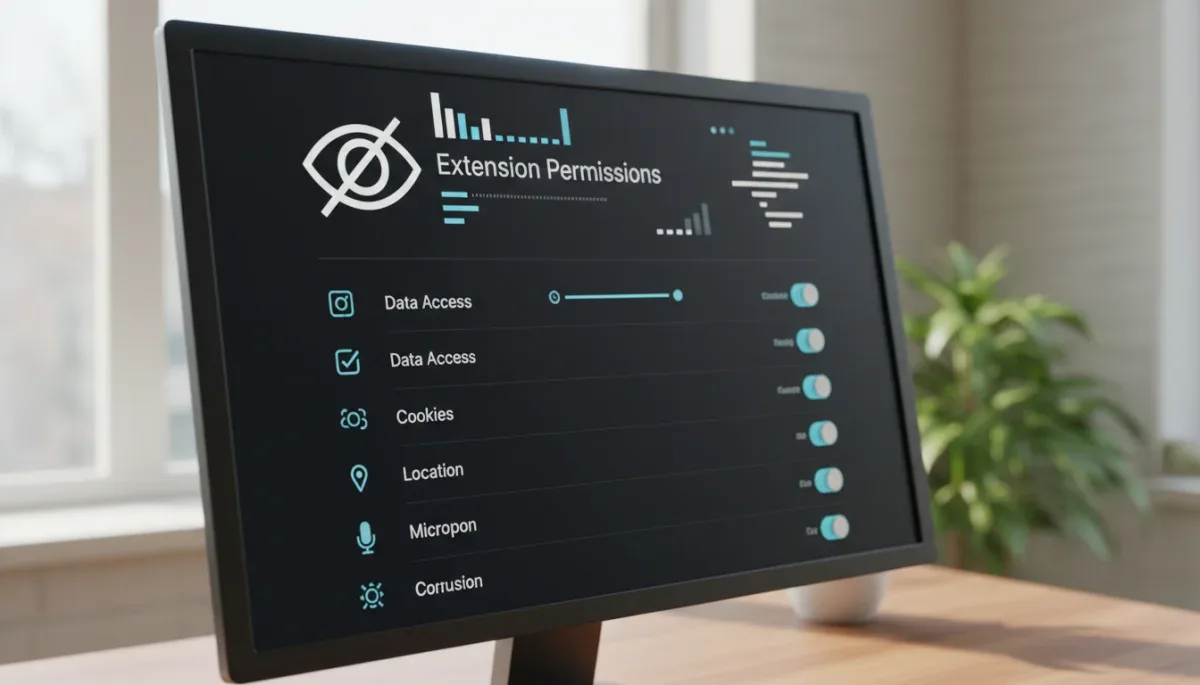
Common technical permissions requested by shopping extensions
- Storage access: Allows the tool to save user login sessions, localized preferences, and pending rebate totals.
- Web request interception: Permits the extension to modify network headers to attach tracking parameters before a site loads.
- Active tab inspection: Enables direct reading of the current webpage structure to inject discount overlays and promo code test scripts.
- Alarms and background tasks: Keeps background processes running to ping commercial servers for updated coupon rosters.
The exact categories of data shopping extensions collect
Privacy policies across major reward platforms outline distinct categories of data logged during everyday computer use. First-party analytics tracking routinely records your Internet Protocol address, operating system, browser version, device identifiers, and localized geographic area. This baseline telemetry helps platforms prevent fraud, detect multi-accounting, and confirm regional eligibility for store promotions.
Beyond hardware diagnostics, these add-ons monitor shopping behavior in depth. Recorded data often includes items viewed, search terms entered on retail sites, items abandoned in carts, final purchase totals, and order confirmation numbers. Several platforms aggregate this anonymized purchase history to build merchant-level consumer trend reports, which can be shared with brand partners or used to target personalized promotional offers within the extension dashboard.
Primary data types documented in extension privacy disclosures
- Transactional records: Merchant names, timestamps, total dollars spent, currency, and stock keeping unit identifiers.
- Device metadata: Hardware configurations, unique extension installation tokens, and network connection characteristics.
- Browsing trails: URLs visited immediately before and after activating shopping rebates on partner websites.
- Account credentials: Email addresses, payout preferences, mailing addresses for paper checks, and linked payment handles.
How coupon testing and script injection operate
A prominent feature of modern shopping tools is the automatic coupon code tester. When you reach a merchant checkout screen, the extension detects the coupon input field, generates an on-screen dialog, and systematically injects dozens of stored promotional codes into the form. The software watches page reload events and DOM text updates to see if the order subtotal drops.
This automated testing relies on crowd-sourced databases. When any user successfully uses a new promotional code or finds an exclusive voucher, the extension sends that string back to central servers, making it available to other users. However, script injection can occasionally conflict with other site functions, overriding existing influencer referral links, invalidating legitimate student discount codes, or disrupting single-page checkout applications built on custom web frameworks.
Standard operational sequence for automated discount testing
- The extension scans the Document Object Model to locate active promo code input boxes and submission buttons.
- Background scripts fetch an indexed list of historical coupon strings tied to that specific merchant identifier.
- The tool programmatically populates the input field, simulates mouse clicks or keypress events, and measures subtotal variance.
- The code yielding the lowest calculated balance remains applied, and the extension logs the outcome to refine future code rankings.
Balancing financial savings with personal web privacy
You do not have to abandon cash back tools entirely to maintain sensible privacy boundaries. Modern desktop web browsers include configuration options that restrict when extensions can execute code. Instead of granting global permissions across every website you ever visit, you can configure the add-on to run only upon clicking its toolbar icon or limit its execution to designated retail domains.
Another practical strategy involves maintaining separate browser profiles. By keeping one clean profile for personal communications, financial banking, and health research, you can run an entirely isolated profile dedicated solely to retail purchases and discount discovery. This architectural split ensures shopping scripts have zero technical visibility into sensitive everyday browsing activities.
Actionable practices to reduce extension data exposure
- Adjust site access permissions: Change extension settings from all sites to on click or on specific sites within your browser manager.
- Segregate shopping tasks: Use a secondary browser profile or separate installation specifically for e-commerce checkouts.
- Audit installed add-ons: Regularly remove dormant reward tools, as unused extensions continue to run background processes.
- Review data sharing toggles: Disable optional marketing telemetry and third-party data aggregation in your member account settings.
At a glance
| Factor | What to know |
|---|---|
| Revenue source | Platforms earn merchant commissions via affiliate links and share a portion with users. |
| Permission scope | Most tools require broad access to read and modify web page data across sites. |
| Data collected | Logs typically cover purchase totals, merchant visits, device telemetry, and browsing paths. |
| Privacy control | Browser settings allow you to restrict extension execution to manual clicks or specific stores. |
Frequently asked questions
Can cash back extensions see my credit card numbers?
Legitimate cash back extensions avoid capturing payment card numbers or security codes, and standard web security protocols block unencrypted transmission. However, their broad browser permissions technically permit script inspection of web pages, making it essential to stick to reputable, well-audited developers.
Why do extensions ask for permission to read all websites?
Extensions request broad site access because they cannot predict which online stores you will visit. Broad access allows the software to automatically recognize partner merchants across the web, alert you to eligible savings, and test discount codes inside checkout fields.
Do cash back extensions slow down browser performance?
Yes, running multiple shopping extensions can increase memory usage and add latency to page load times. Because these tools run background scripts that scan every page URL and inspect webpage elements, having several active add-ons often degrades general browsing responsiveness.
Can I use cash back extensions alongside store coupon codes?
Usually yes, but terms vary by retailer. Some merchants reject affiliate cash back if you apply certain external promo codes, employee discounts, or gift card redemptions, as store tracking systems may credit the sale to the coupon rather than the extension.
The bottom line
Cash back browser extensions offer a dependable way to recover a percentage of your online spending, but they rely on continuous affiliate tracking and comprehensive page-reading permissions to function. You can protect your personal information without missing out on savings by isolating shopping tools to a dedicated browser profile and restricting permissions to activate only upon a manual click. Always review the data-sharing toggles inside your account profile before completing your next online checkout.

Written by
Rita Luiza
Rita Luiza covers home and kitchen for S2YOU, from everyday essentials and small appliances to product-testing panels for household goods. She compares prices, warranties and return policies across retailers, and checks every detail on the brand's official site before publishing.