
How to choose microSD card speed classes for video
Advertisements
Choosing the correct card requires matching published microSD card speed classes to the exact write rate of your camera or phone. Matching these technical ratings prevents ruined recordings, dropped video frames, and unexpected write errors when capturing high-resolution media.
This technical guide helps shoppers buying accessories for action cameras, dashcams, smartphones, and aerial drones avoid overpaying for unnecessary performance or buying cards that stall during recording. The catch is that card packaging often emphasizes read speed rather than write speed, which leads many buyers to purchase the wrong specification for sustained video capture.
Understanding the symbols on a microSD card
MicroSD card packaging contains an array of numbers, letters, and graphic logos established by the SD Association. The SD Association is the trade organization that establishes technical standards for SD and microSD memory products. Because manufacturers display both proprietary peak speeds and standardized baseline ratings on the front of the packaging, decoding these markings is the first step toward finding a compatible card.
Advertisements
The original rating system is the Speed Class designation, represented by a capital letter C enclosing a number. A Class 10 card indicates a minimum sequential write speed of 10 megabytes per second. While classes 2, 4, and 6 still appear in older specifications, Class 10 represents the baseline for modern digital video capture. However, modern high-bitrate video formats quickly exceed what a standard Class 10 card can handle.
Advertisements
To address higher bandwidth demands, the SD Association established the Ultra High Speed class, designated by a number inside a U-shaped symbol. A U1 rating delivers a minimum sequential write rate of 10 megabytes per second, similar to Class 10, but operates over a faster hardware bus. A U3 rating guarantees at least 30 megabytes per second of continuous write performance, which provides the sustained throughput needed for basic high-resolution video streams.
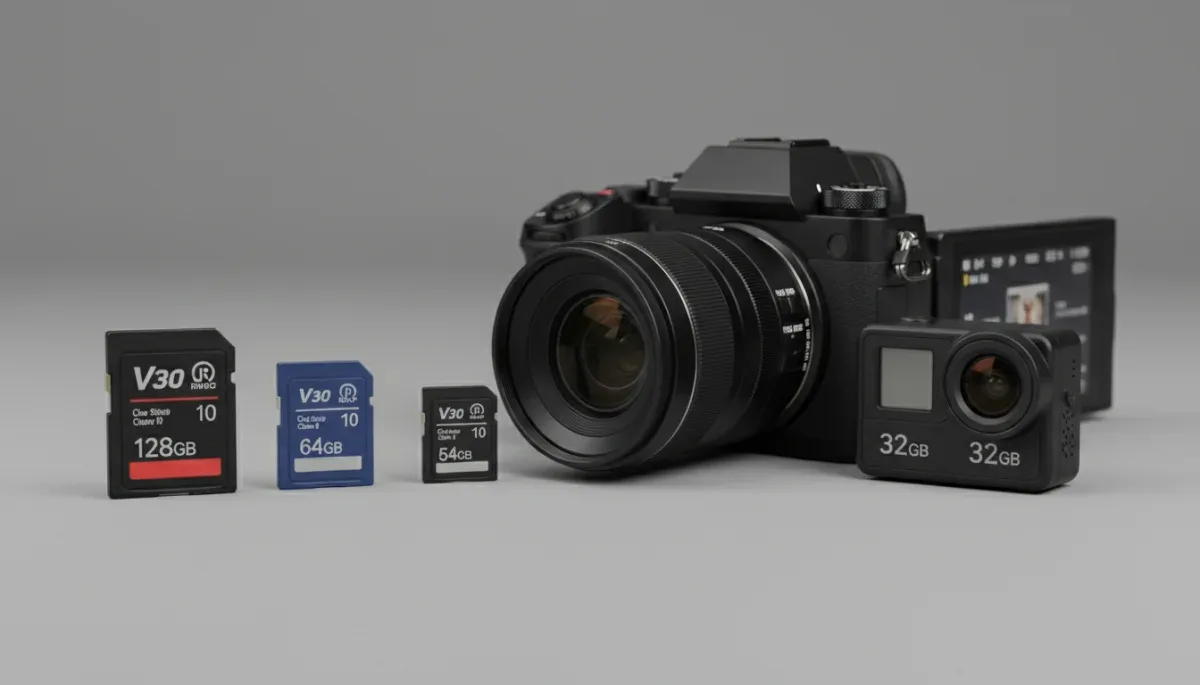
The newest and most relevant classification for modern videography is the Video Speed Class, designated by the letter V followed by a number. Ratings include V6, V10, V30, V60, and V90, each guaranteeing a minimum continuous write speed corresponding to the number in megabytes per second. A V30 card maintains at least 30 megabytes per second, while a V90 card sustains at least 90 megabytes per second under continuous load.
Standard speed classifications
- Class 10 guarantees a minimum sustained write speed of 10 megabytes per second.
- UHS Speed Class 1 guarantees a minimum sustained write speed of 10 megabytes per second.
- UHS Speed Class 3 guarantees a minimum sustained write speed of 30 megabytes per second.
- Video Speed Class V30 guarantees a minimum sustained write speed of 30 megabytes per second.
- Video Speed Class V60 guarantees a minimum sustained write speed of 60 megabytes per second.
Megabits versus megabytes in video recording specs
A frequent point of confusion for camera buyers stems from the difference between how camera manufacturers measure video data and how storage manufacturers rate memory card speeds. Camera manuals almost universally measure video bitrates in megabits per second, abbreviated as Mbps or Mb/s with a lowercase letter b. In contrast, memory card manufacturers rate write speeds in megabytes per second, abbreviated as MB/s with a capital letter B.
One byte consists of eight bits. Because of this mathematical relationship, you must divide the bitrate stated in your camera specifications by eight to determine the real-world write speed required of the memory card. Failing to convert this number correctly often leads consumers to believe they need an industrial-grade card when a standard consumer card provides sufficient bandwidth.
For instance, an action camera recording 4K video at 100 Mbps does not require a card capable of writing 100 megabytes per second. Dividing 100 megabits by eight reveals that the camera produces roughly 12.5 megabytes of data per second. A card bearing a U3 or V30 logo, which guarantees 30 megabytes per second of sustained write speed, easily satisfies this requirement with room to spare.
However, overhead matters when saving digital files. Operating systems, file indexing, and sudden spikes in scene complexity create variable bitrates. A complex scene with moving water or rustling leaves demands more data than a still wall. For stable operation, industry technical documentation recommends choosing a card with a guaranteed minimum write speed at least twenty to thirty percent higher than the camera maximum calculated bitrate.
Key conversion reference points
- A video bitrate of 100 Mbps equals 12.5 megabytes per second.
- A video bitrate of 150 Mbps equals 18.75 megabytes per second.
- A video bitrate of 240 Mbps equals 30 megabytes per second.
- A video bitrate of 400 Mbps equals 50 megabytes per second.
Matching speed classes to resolution and frame rates
Different video resolutions and frame rates generate widely differing data streams. Standard definition and standard 1080p full high-definition video recorded at 24 or 30 frames per second typically produce modest bitrates, usually ranging from 15 to 45 Mbps. For these basic recording tasks, any genuine Class 10, U1, or V10 card provides adequate sustained throughput.
When you transition to 4K video capture, recording requirements increase substantially. Standard 4K video at 30 or 60 frames per second recorded in compressed consumer formats such as H.264 or H.265 generally runs between 60 Mbps and 150 Mbps on popular drones, action cameras, and handheld gimbals. These data rates require a guaranteed continuous write speed of at least 18.75 megabytes per second, making a V30 or U3 card the absolute minimum practical standard.
High-frame-rate modes, often used for slow-motion playback, place even heavier demands on memory card controllers. Capturing 4K video at 120 frames per second or 1080p at 240 frames per second forces the camera hardware to encode and write massive amounts of image information simultaneously. These shooting modes frequently push consumer bitrates toward 200 Mbps to 280 Mbps, which still fit within the capabilities of a quality V30 card but leave little margin for operating errors.
Professional production formats represent the upper tier of mobile video recording. If your camera or external recorder captures uncompressed video, high-bitrate All-Intra formats, or Apple ProRes video directly to a microSD card, bitrates can exceed 400 Mbps to 800 Mbps. These professional configurations mandate V60 or V90 cards, which deliver continuous write speeds of 60 to 90 megabytes per second under all operational conditions.
Device compatibility and physical bus interface limits
Speed class ratings alone do not tell the entire hardware story; the physical bus interface connecting the card to the device plays an equally critical role. The SD Association defines different bus architectures, the most common being UHS-I and UHS-II. These standards define the theoretical ceiling for data transmission across the card physical electrical contacts.
A UHS-I microSD card features a single row of physical connection pins on the reverse side. The theoretical maximum transfer rate of the UHS-I interface tops out at 104 megabytes per second, though real-world write speeds rarely exceed 90 megabytes per second. Consequently, all V30 cards and some lower-tier V60 cards operate on the UHS-I interface.
A UHS-II card incorporates a second row of electrical pins to support higher bandwidth, allowing theoretical transfer speeds up to 312 megabytes per second. High-performance V60 and all V90 cards rely on this second row of pins to achieve their guaranteed write speeds. However, these physical architectures require direct hardware support within the host device to function at full capacity.
While UHS-II cards maintain backward compatibility with UHS-I slots, plugging a UHS-II card into a device with a UHS-I slot forces the card to downshift to standard UHS-I transmission speeds. If you purchase an expensive V90 UHS-II card for an action camera or handheld console that only features a UHS-I card slot, you will not access the card full performance capability during recording.
Endurance ratings and continuous recording demands
Video speed classes measure continuous write speed, but they do not measure durability under non-stop recording cycles. Devices like automotive dashcams, home security cameras, and body cameras subject memory cards to an extreme operating environment known as continuous loop recording. In this operating pattern, the device writes new video data non-stop, deleting the oldest files as storage fills up.
Standard consumer microSD cards use multi-level cell or triple-level cell flash memory designed for intermittent usage, such as shooting family photos or brief vacation videos. Subjecting a standard memory card to 24/7 dashcam recording can wear out the flash memory cells within months, resulting in memory corruption and device failure when an incident occurs.
Manufacturers address continuous write cycles by producing cards labeled as High Endurance or Max Endurance. These specialized cards utilize industrial-grade controllers and flash memory engineered to withstand thousands of cumulative write and overwrite cycles, along with wider operating temperature ranges designed for hot vehicle windshields or outdoor weather conditions.
When purchasing a card for a dashcam or security camera, look beyond the V30 speed rating to verify the card endurance rating in total recording hours. Many major storage brands explicitly void the warranty on standard consumer cards if they detect the card was deployed in an automotive dashcam or surveillance equipment, reinforcing the necessity of using purpose-built hardware.
Avoiding counterfeit memory cards on discount marketplaces
Counterfeit flash memory represents a widespread problem across major online marketplaces and discount shopping apps. Counterfeiters take low-capacity cards, reprogram the internal memory controller firmware to display a false capacity such as 512 gigabytes to the operating system, and print premium brand logos alongside fake V30 or V90 markings on the exterior shell.
When a camera writes data to a counterfeit card, the recording appears normal until the data volume reaches the physical capacity of the underlying chip, which might be only 8 or 16 gigabytes. Once that threshold is crossed, the reprogrammed controller begins silently overwriting previous sectors, corrupting all saved video files without triggering an alert on the camera screen until playback fails.
Protecting your recordings requires cautious purchasing habits. Avoid offers that list memory cards at prices dramatically below established retail levels from authorized distributors. A one-terabyte card sold for the price of a standard 64-gigabyte card is almost guaranteed to be fraudulent, regardless of seller ratings or promotional claims.
When a new memory card arrives, test its true capacity and continuous write performance using free, established testing software such as H2testw for Windows or F3 for macOS and Linux. These programs fill the entire storage volume with verified data and read it back, confirming the real storage capacity and actual write speed before you install the card in an active recording device.
At a glance
| Speed class | What to know |
|---|---|
| Class 10 and U1 | Guarantees 10 MB/s, sufficient for basic 1080p video recording. |
| Class U3 and V30 | Guarantees 30 MB/s, the current standard for compressed 4K recording. |
| Class V60 and V90 | Guarantees 60 to 90 MB/s, designed for professional high-bitrate video. |
| High endurance | Built to survive continuous overwrite cycles in dashcams and security cameras. |
Frequently asked questions
Can I use a V30 microSD card to record 4K video?
Yes, a V30 card works for most consumer 4K recording. Most smartphones, drones, and action cameras record 4K at bitrates between 60 Mbps and 120 Mbps, which requires 7.5 to 15 megabytes per second. The 30 megabytes per second sustained rate of a V30 card easily covers this requirement.
What happens if my microSD card write speed is too slow?
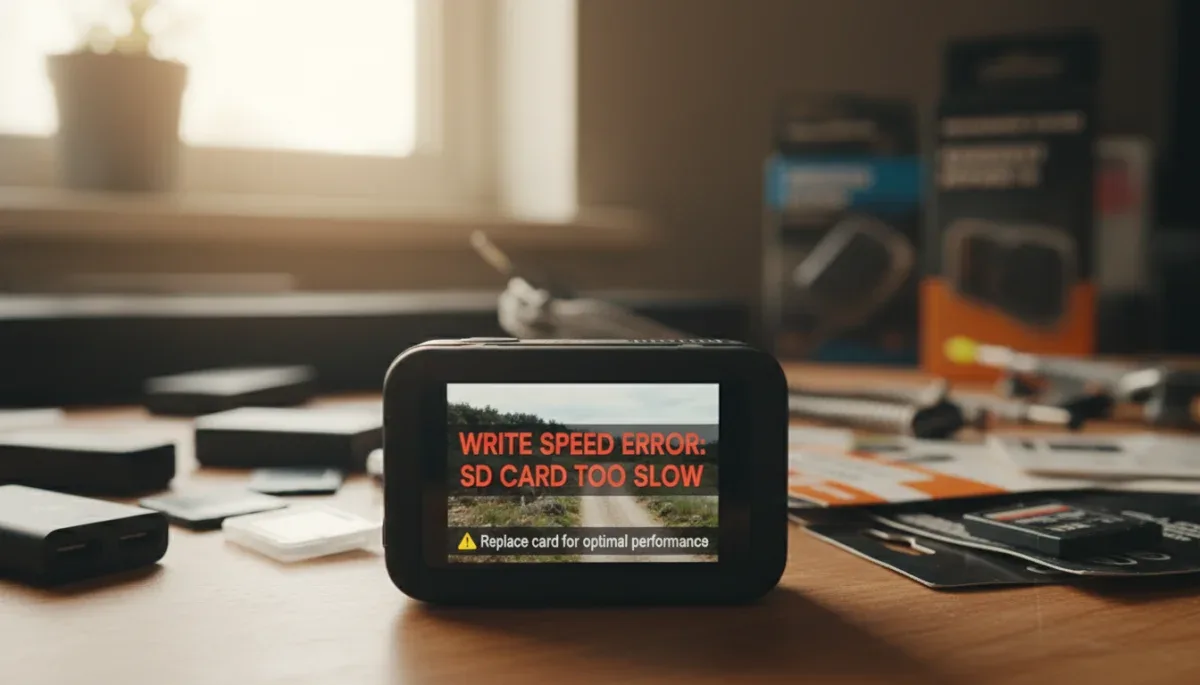
The recording will stop abruptly or drop frames. When the camera internal data buffer fills up faster than the card can clear it, the camera stops recording automatically and displays a write speed error, leaving the video file damaged or unreadable.
Does read speed matter for recording video?
No, read speed does not affect recording stability. Read speed determines how fast files transfer from the card to your computer during editing. Recording stability relies entirely on the card guaranteed minimum sequential write speed, which is governed by its speed class.
Are high endurance cards slower than standard cards?
No, they maintain standard speed classes. Most high endurance microSD cards carry a Class 10, U3, or V30 rating, providing identical 30 megabytes per second write performance while utilizing memory chips engineered specifically to survive years of continuous overwriting.
The bottom line
Selecting the proper memory card comes down to calculating your device actual recording bitrate in megabytes per second and choosing an authentic card that guarantees that minimum sequential write speed. A quality V30 card satisfies the requirements of nearly all consumer 4K devices, while continuous dashcam recording requires high-endurance memory. Before purchasing any memory card, always check the exact maximum recording bitrate listed in your device hardware manual to confirm its baseline requirements.

Written by
Mariana Viana
Mariana Viana covers discounts and savings for S2YOU, from coupons and cashback to free-trial and sample programs. She compares offers and program rules across retailers, and checks every detail on the brand's official site before publishing.